Start with the job you need the device to do
A low price is not much help if a device cannot run the apps, connect to the equipment, or perform the tasks you bought it for. Before browsing listings, write down your essentials: perhaps a particular charging port, enough storage, a working camera, or compatibility with software you already use. Separate those needs from features you would merely enjoy. This gives you a way to judge a used device on usefulness rather than appearance alone.
Read the listing closely and ask for the exact model, storage capacity, and any known faults. Search the device’s own settings for model information when you inspect it; packaging and listing titles can be mistaken. If the seller cannot answer a basic question, treat that as a reason to slow down, not necessarily proof of a problem. For an older device, check whether the software and connections you need are still supported before arranging a purchase.
Test the functions that matter most
Inspect the item in good light. Look for cracks, swelling, loose ports, missing screws, or signs of liquid damage. Ordinary scratches may not affect use, but a damaged charging port or lifting screen deserves more attention. Power the device on from a fully shut-down state rather than relying on a photo of a lit display. Watch for unexpected restarts, warning messages, or a screen that flickers or fails to respond.
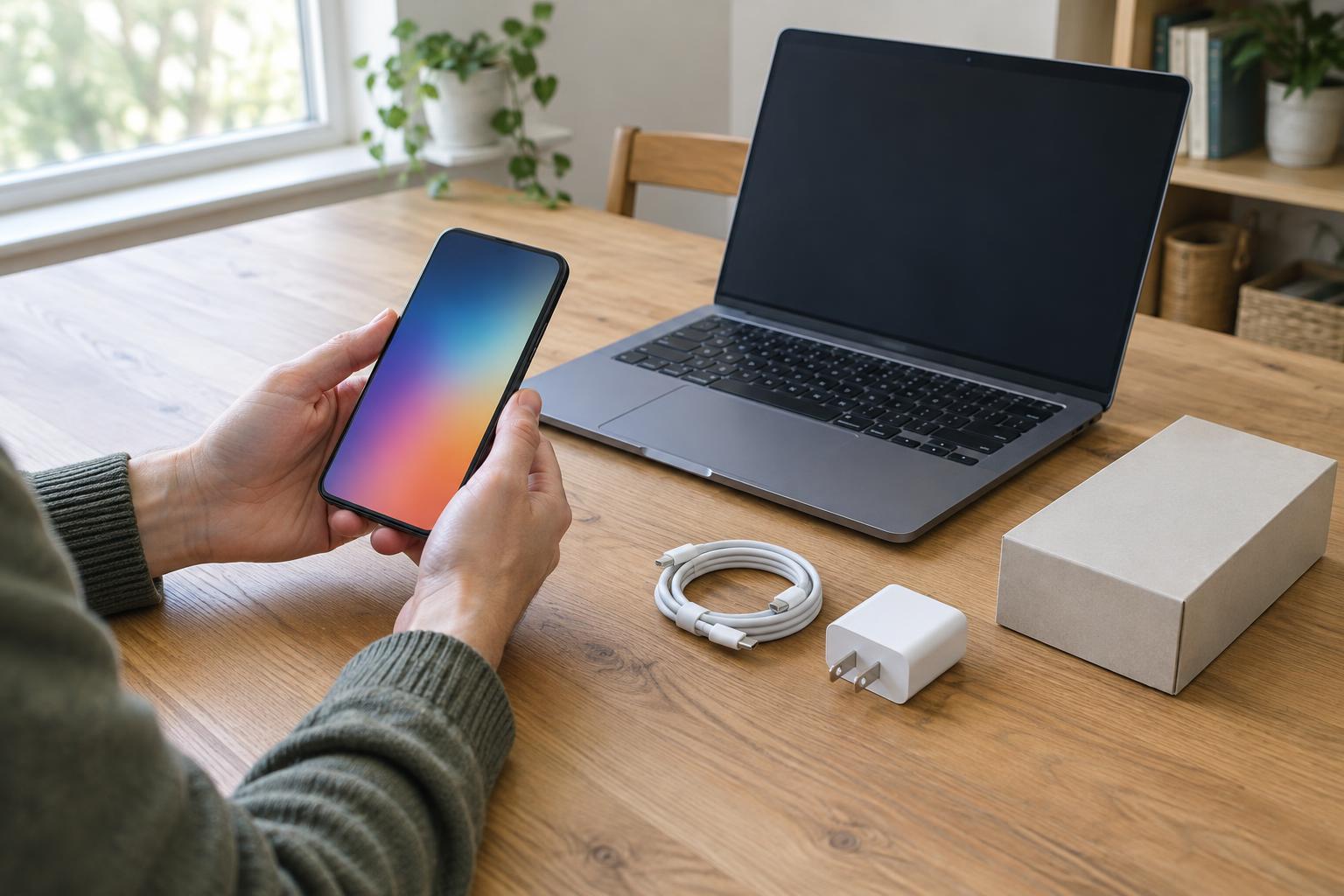
Bring a short test list suited to the device. For a phone or tablet, try the touchscreen, buttons, cameras, microphone, speakers, Wi-Fi, and charging. For a laptop, test the keyboard, trackpad, display, ports, wireless connection, and charger. If you need mobile service, confirm that the phone accepts the type of service you plan to use; a working Wi-Fi connection does not establish that. Battery health can be hard to judge in a brief meeting, so ask how long the device holds a charge and look for any battery information available in its settings without treating that reading as a guarantee.
Confirm what comes in the box
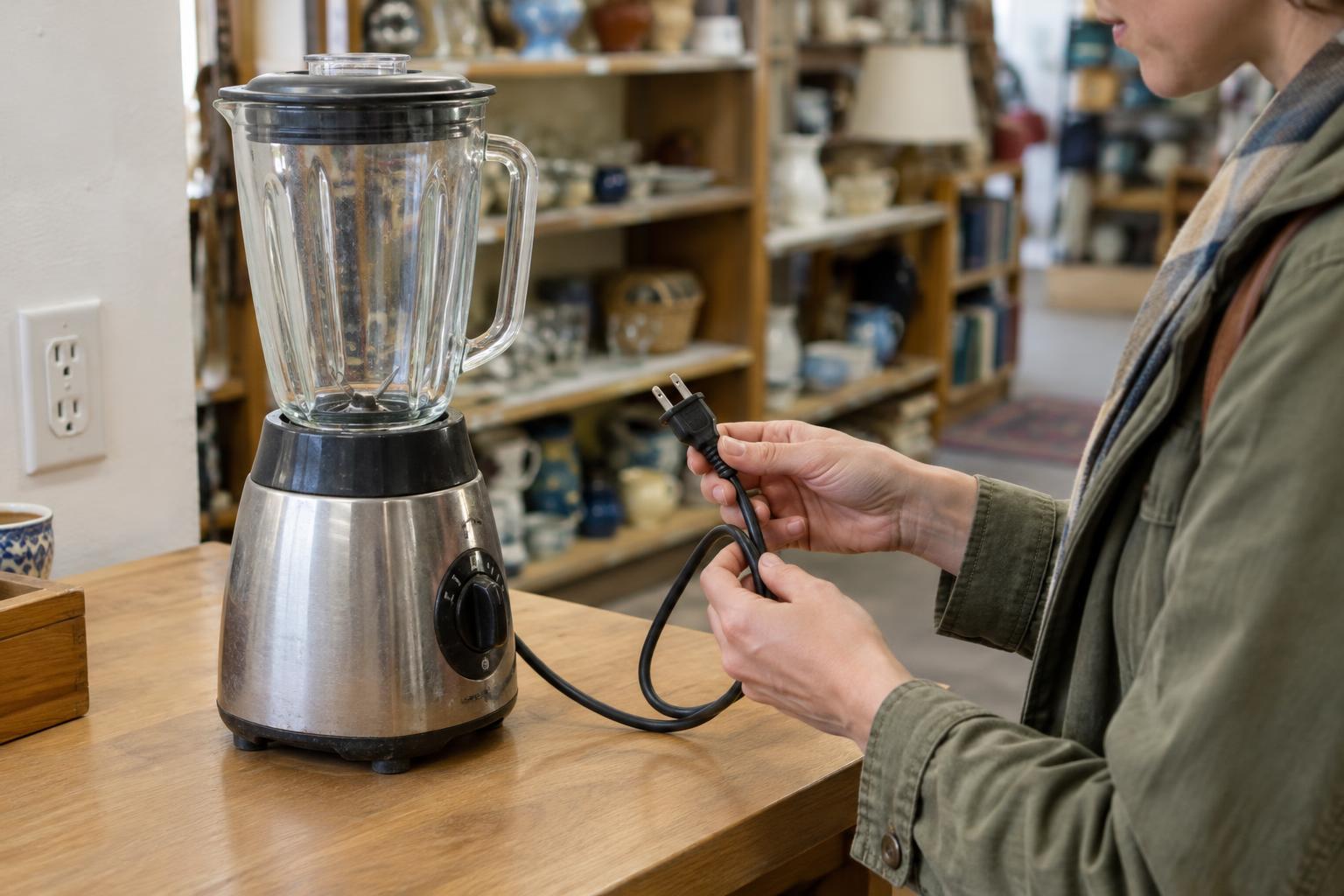
Ask the seller to list the included accessories rather than assuming the listing photo shows everything. A charger, cable, power adapter, stylus, case, remote, or proprietary connector may be essential to using or testing the item. Check that a power adapter fits the device and is in good condition. Frayed cables, bent plugs, and unusually hot or damaged chargers are reasons to stop using that accessory.
Think about the complete setup, not just the device price. If a missing cable or accessory would be difficult to replace, factor that into your decision before buying. For items such as headphones, game controllers, and smart-home devices, test pairing and any included controls. Keep track of small pieces during the handoff, especially when an item uses a separate receiver, storage card, or charging case.
Make sure account locks are removed
A device can appear to work while still being tied to the previous owner’s account or an organization’s management system. That connection may prevent you from setting it up after a reset. Ask the seller to sign out of personal accounts, disable any device-finding or activation-lock feature, and remove the device from any management profile that applies. The names and steps vary by manufacturer, so consult the device’s on-screen prompts rather than assuming one procedure fits every model.
The strongest practical check is to see the device reach its initial setup screen after a factory reset and confirm that it does not ask for the former owner’s credentials. Arrange this with the seller before payment; resetting can erase their data, and they should have a chance to back it up first. Do not ask for their password or accept a promise that they will remove the lock later. If a device still requests someone else’s account or shows organization enrollment, leave it until the seller resolves the issue.
Finish with a careful handoff
When buying in person, choose a place where you can inspect the item without rushing and where an appropriate connection is available for the tests you need. For a shipped item, read the seller’s description of defects and included parts, then check the device promptly when it arrives. Save the listing and any written agreement about its condition so you can refer to what was represented.
Once you have a usable device, set it up with your own account, install available updates, and review its privacy settings. Reuse is most worthwhile when the item serves you for a reasonable time, so protect it, keep its accessories together, and consider repair if a replaceable part fails. If a device does not pass the essential checks, walking away can prevent a cluttered drawer of electronics that never quite worked.